Family safety app for iPhone and Android

Keep your family’s day on track

Arrivals at school, home and after-school clubs, plus the routines that hold your week together, all in one calm place. Structure for younger kids, room to grow for older ones, and peace of mind for you.

Coming soon to the App StoreComing soon to Google Play
Free to start. Plus from £3.33 a month.
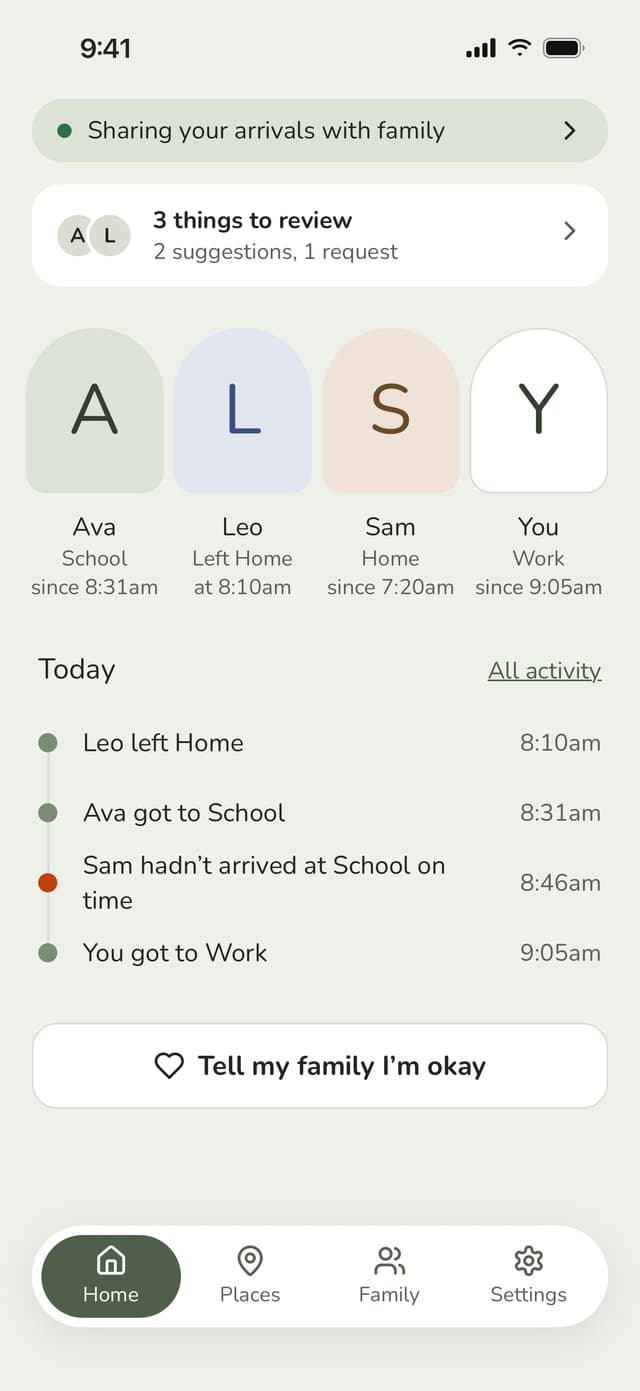
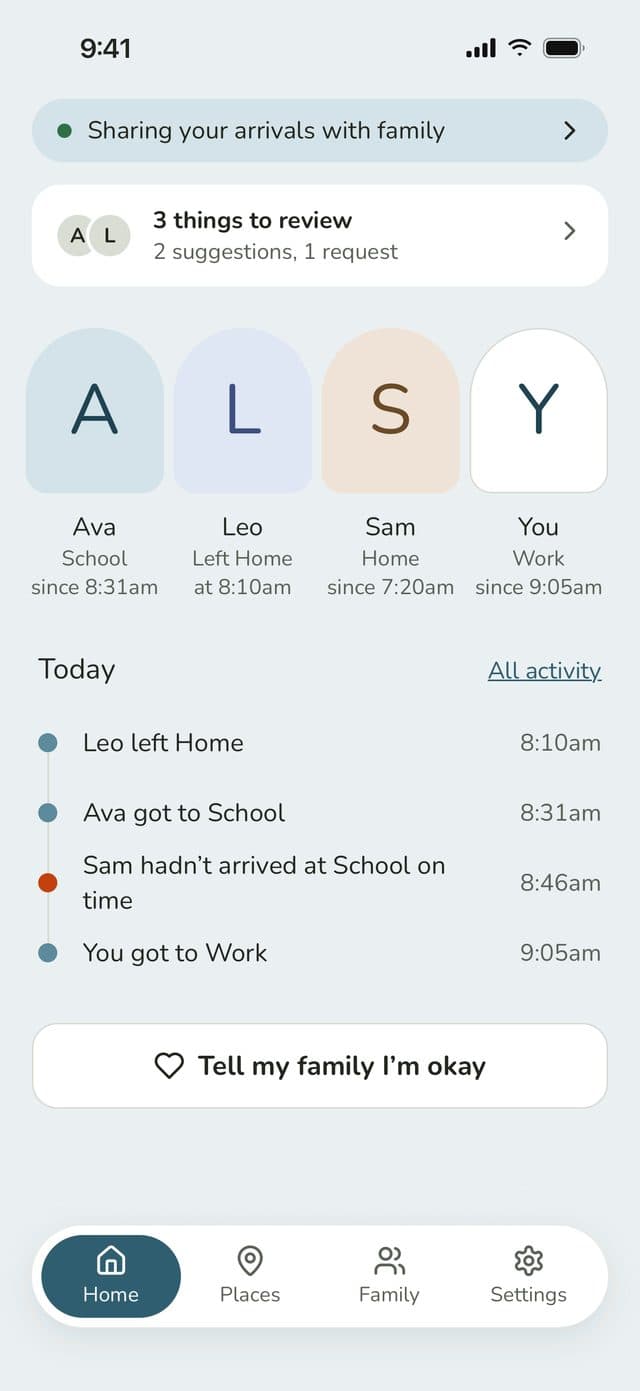
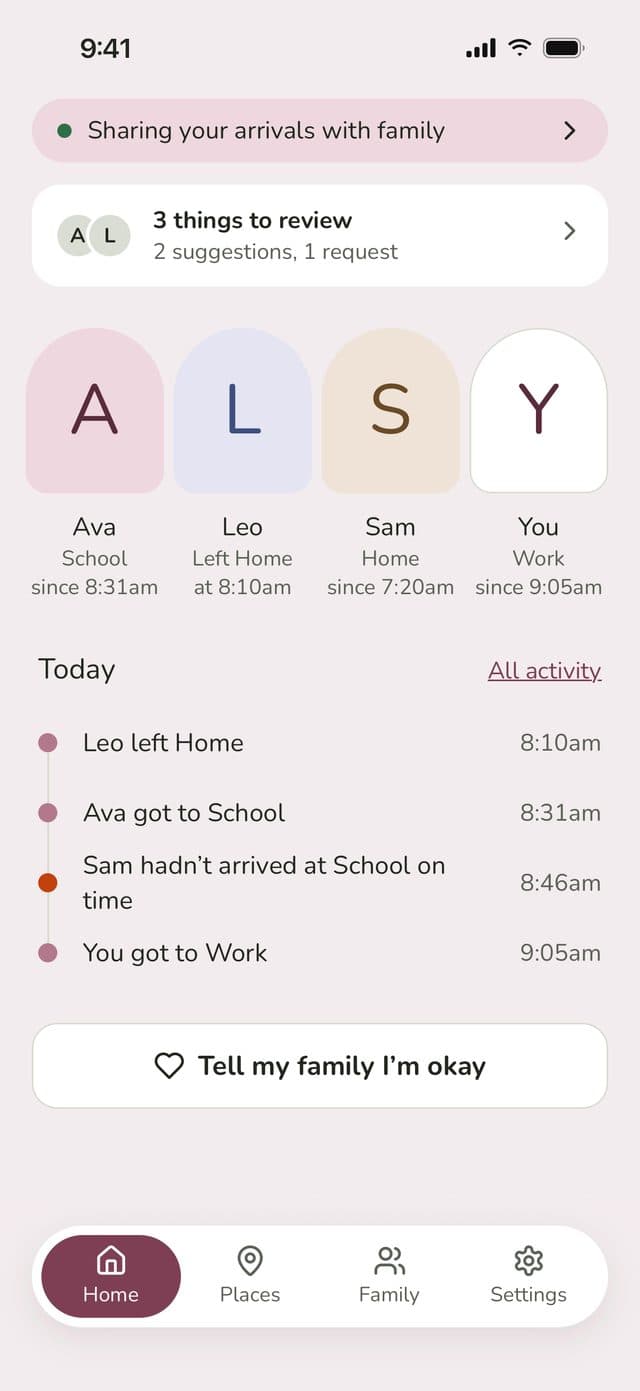
Family Haven parent Home: each family member’s place, today’s arrivals and a Tell my family I’m okay buttonFamily Haven parent Home: each family member’s place, today’s arrivals and a Tell my family I’m okay buttonFamily Haven parent Home: each family member’s place, today’s arrivals and a Tell my family I’m okay buttonFamily Haven parent Home: each family member’s place, today’s arrivals and a Tell my family I’m okay button

Know they’ve arrived

Get a notification when someone gets to school, home or an after-school club, and when they head off again.

Fewer “are you there yet?” texts

You’ll know they’ve arrived without having to ask, and they don’t have to remember to tell you.

Privacy for everyone

Only arrivals and departures at the places you save are shared. Where someone goes in between stays private.

How it works

Getting set up takes a few minutes

See how it all works →
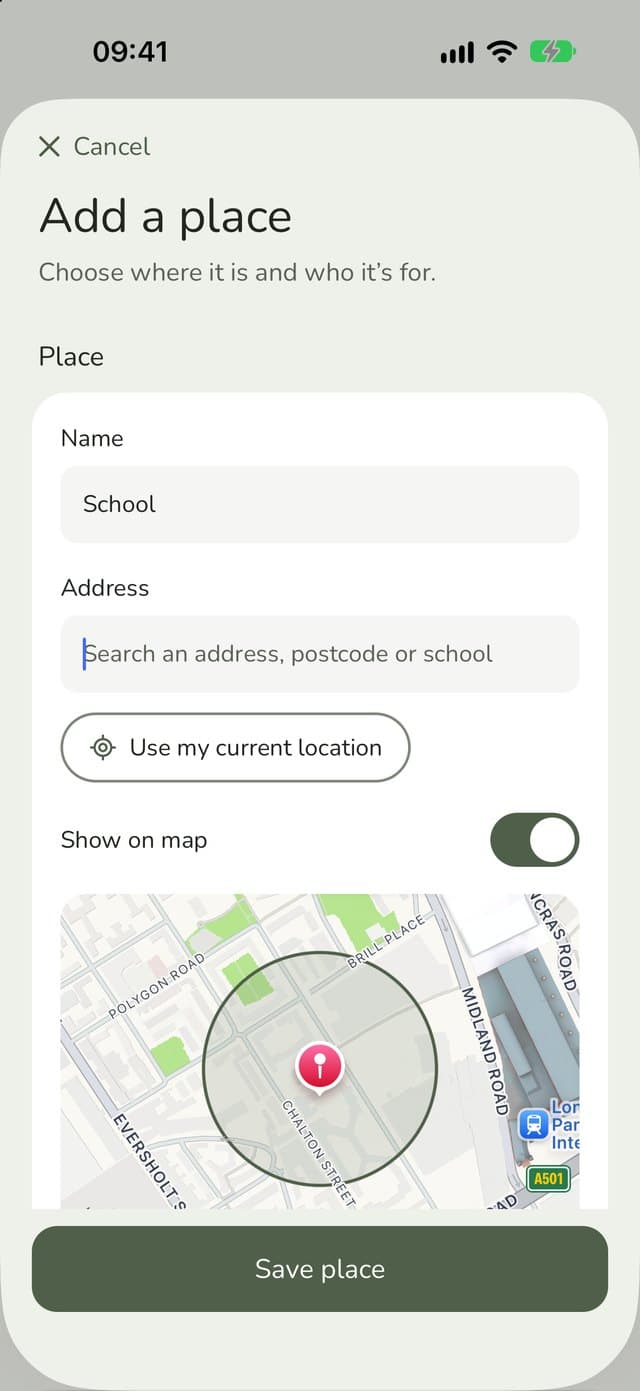
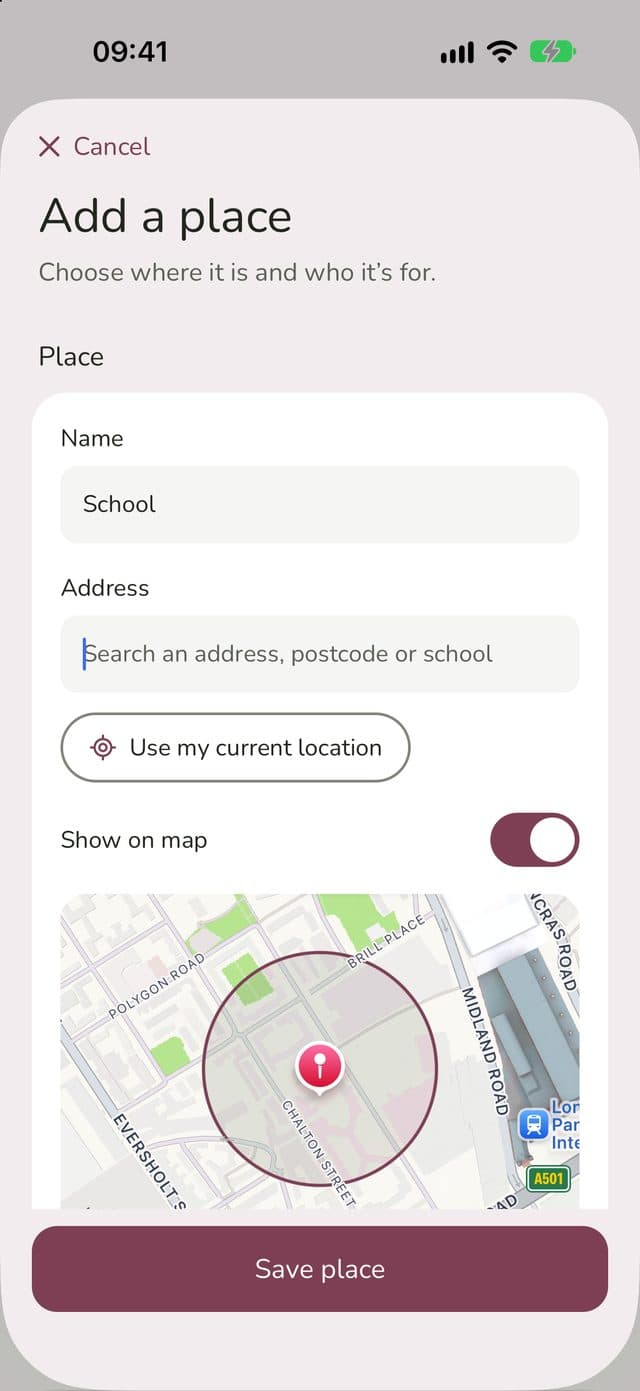
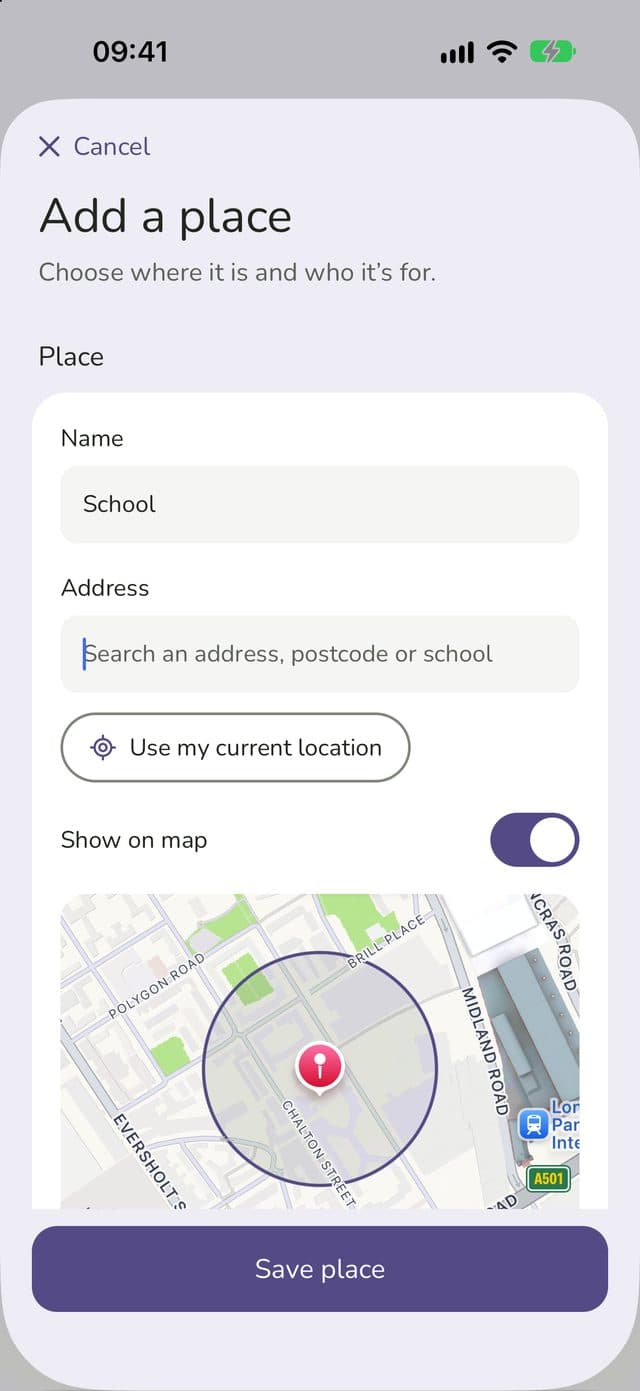
Adding School as a place, with its address and a circle on the mapAdding School as a place, with its address and a circle on the mapAdding School as a place, with its address and a circle on the mapAdding School as a place, with its address and a circle on the map
1

Save your places

Search an address, postcode or school name, then set how close counts as “there”.

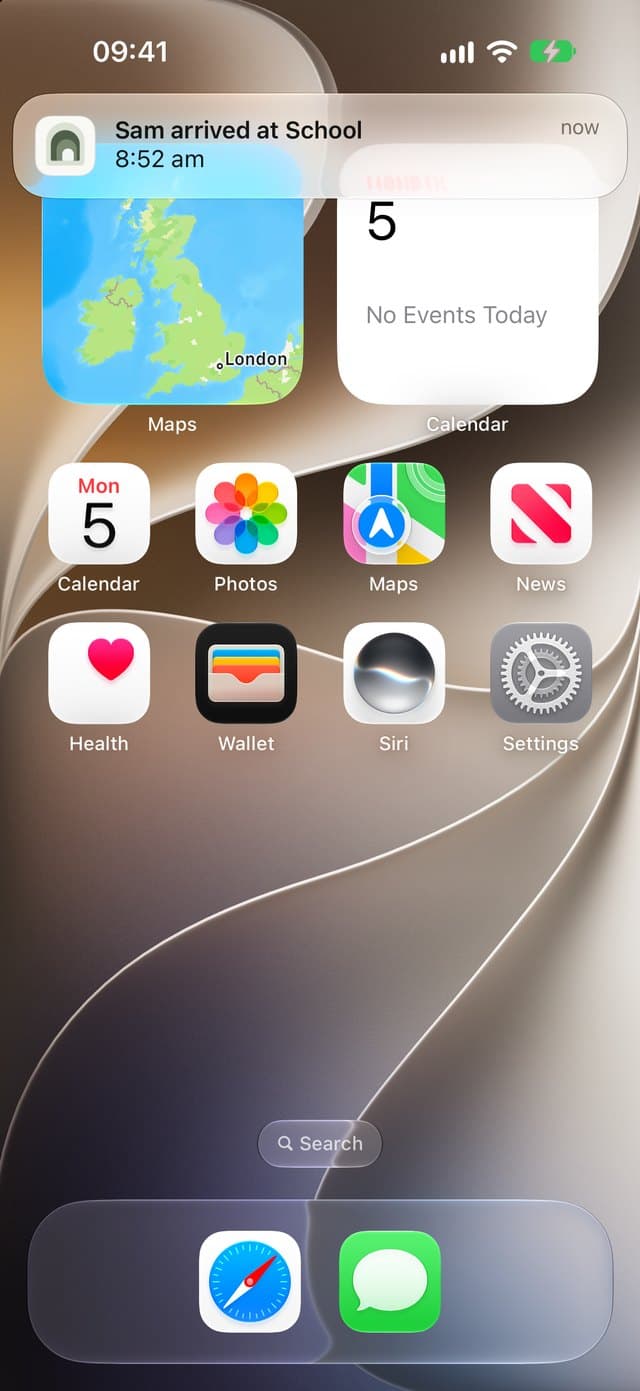
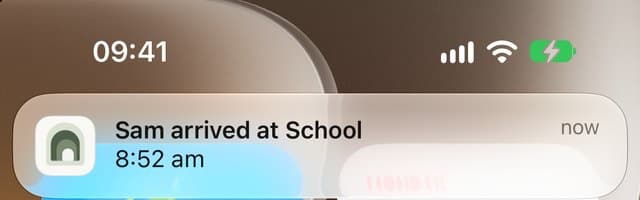
Notification on an iPhone: Sam arrived at School, 8:52am
2

Get arrivals

You’ll hear when someone arrives or leaves, even when the app’s closed.

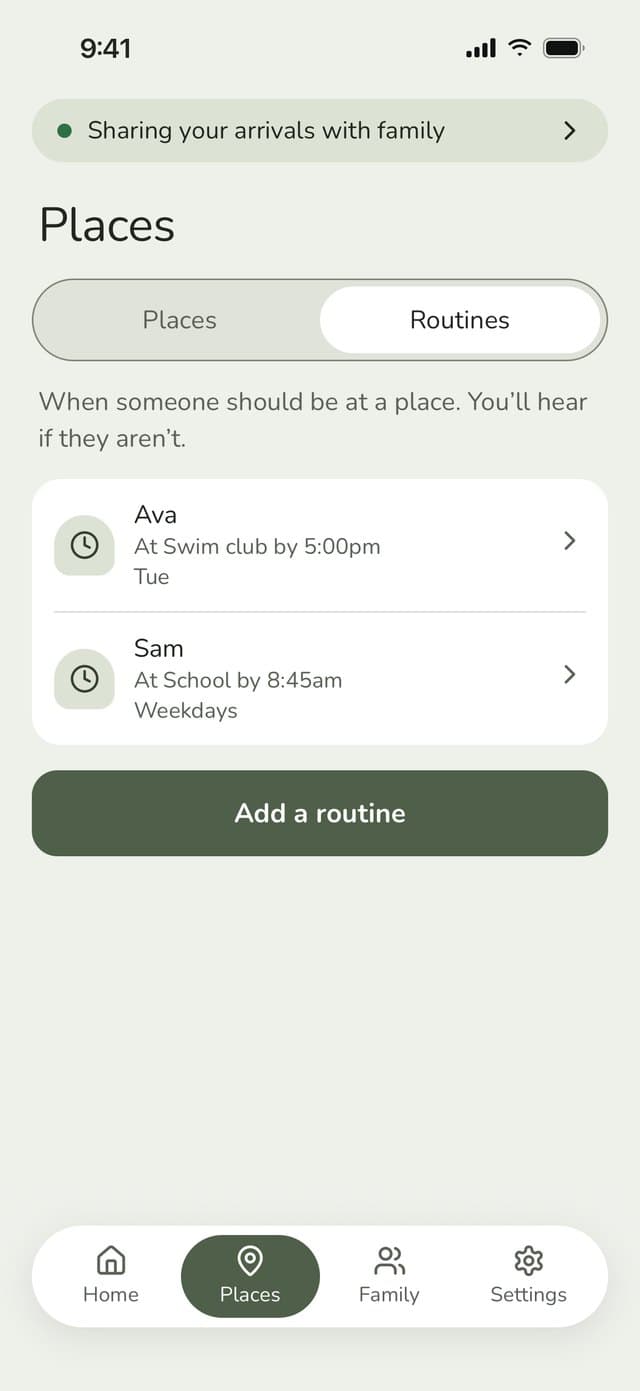
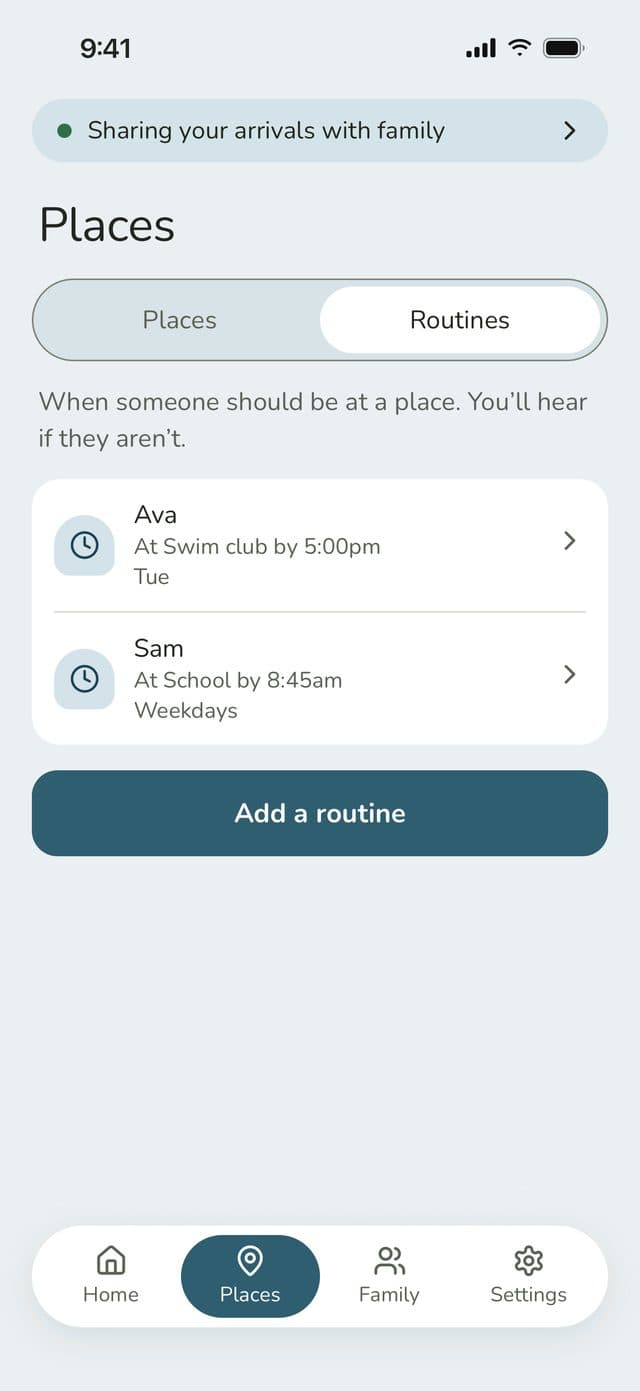
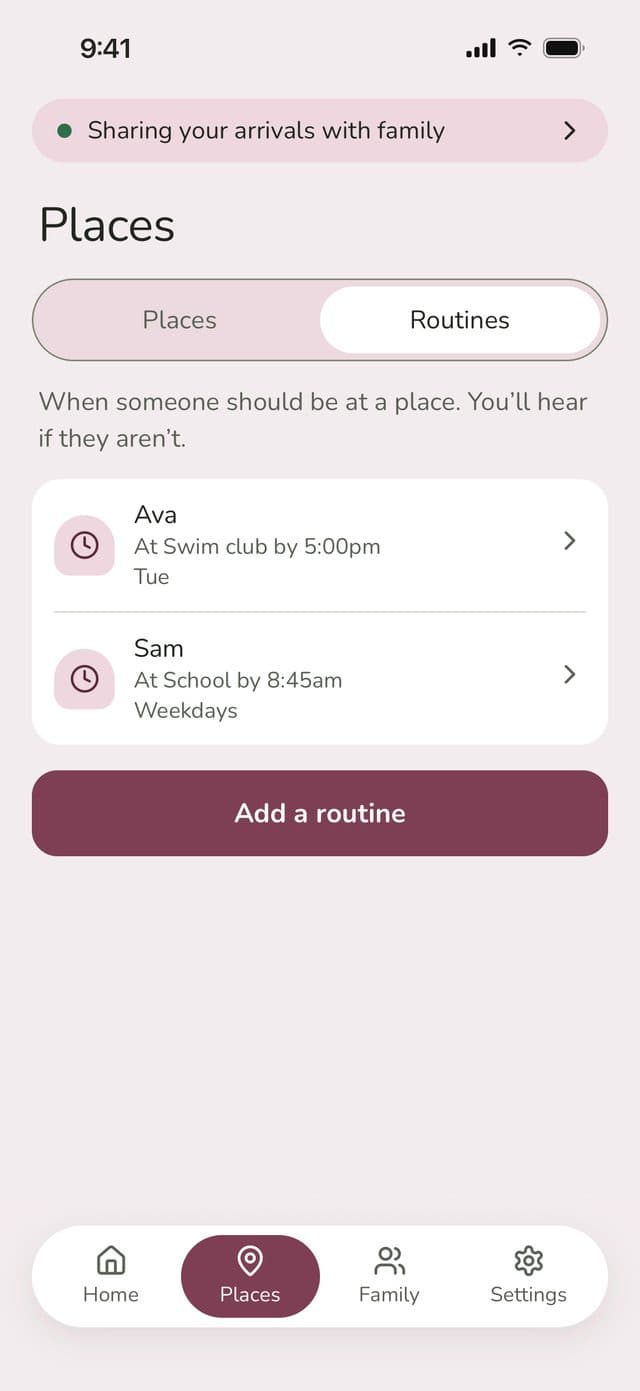
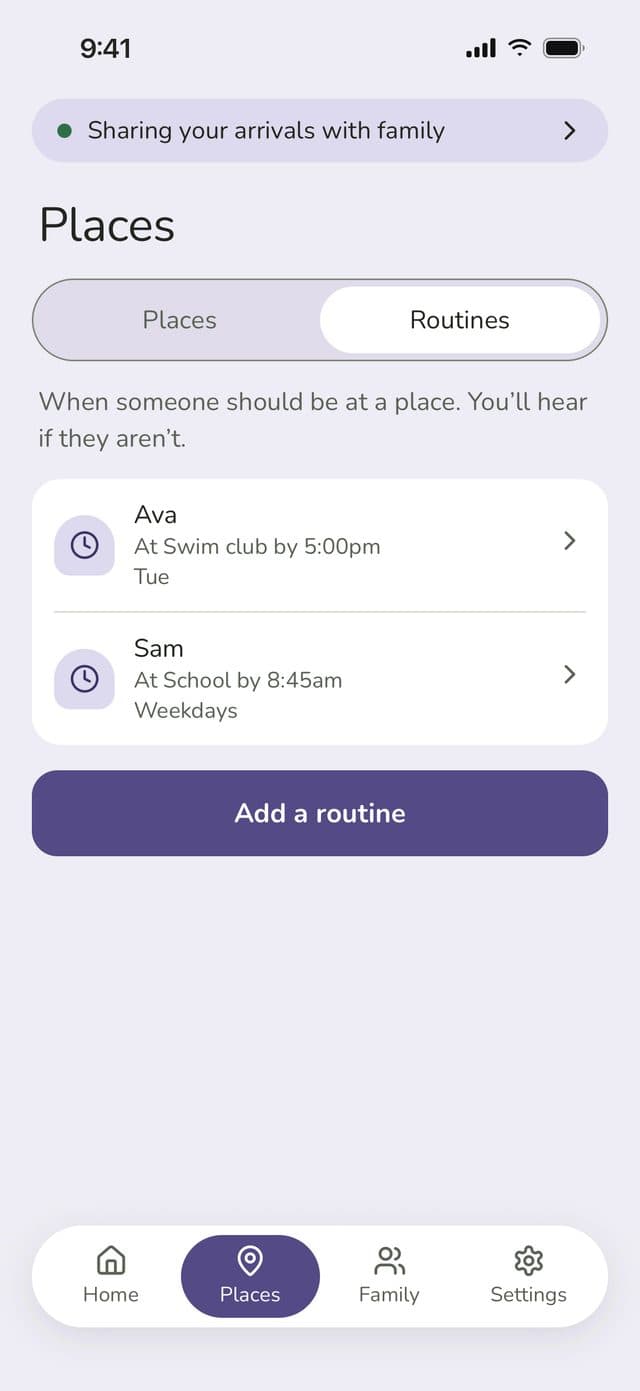
Routines list: Ava at Swim club by 5:00pm on Tuesdays, Sam at School by 8:45am on weekdaysRoutines list: Ava at Swim club by 5:00pm on Tuesdays, Sam at School by 8:45am on weekdaysRoutines list: Ava at Swim club by 5:00pm on Tuesdays, Sam at School by 8:45am on weekdaysRoutines list: Ava at Swim club by 5:00pm on Tuesdays, Sam at School by 8:45am on weekdays
3

Set routines

Something like “Sam at School by 8:45, Mon–Fri”. You only need to do it once.

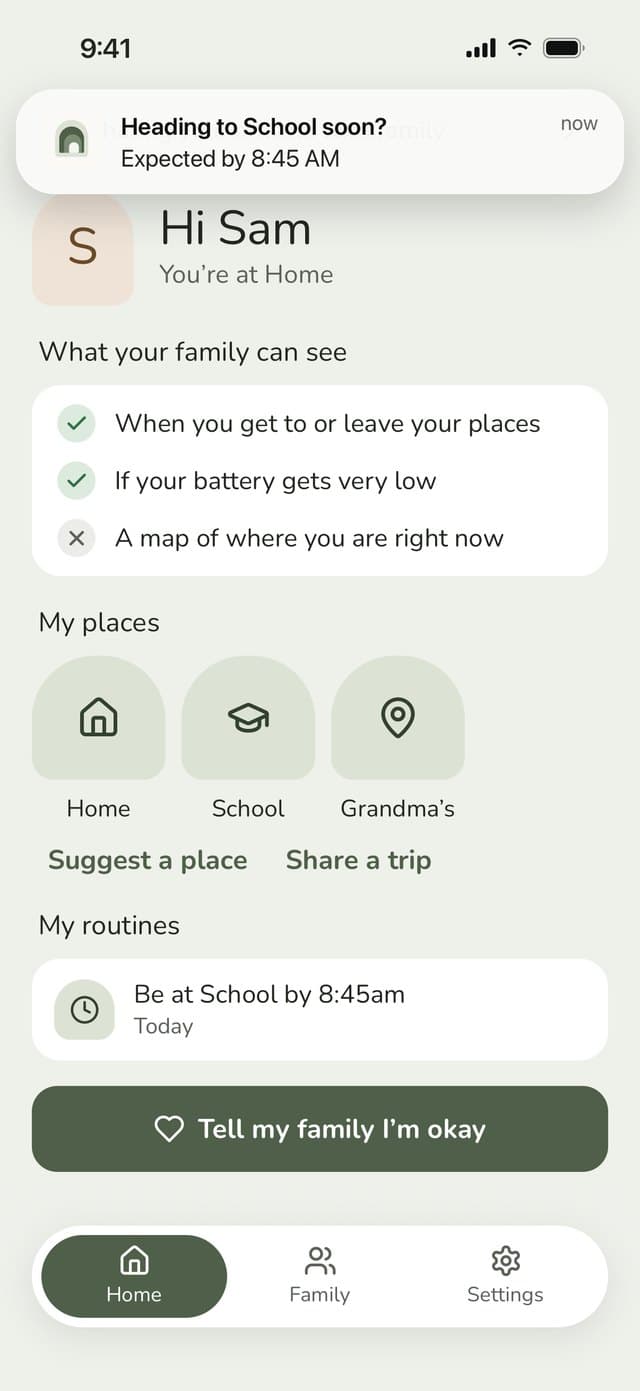
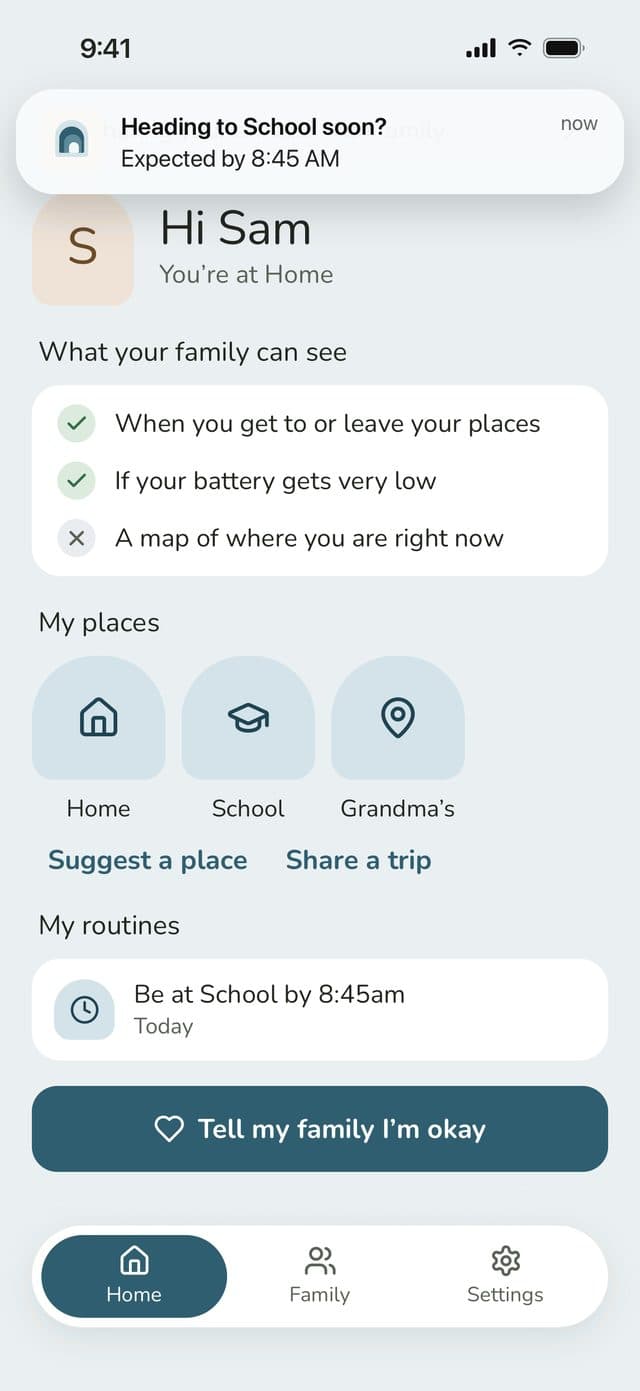
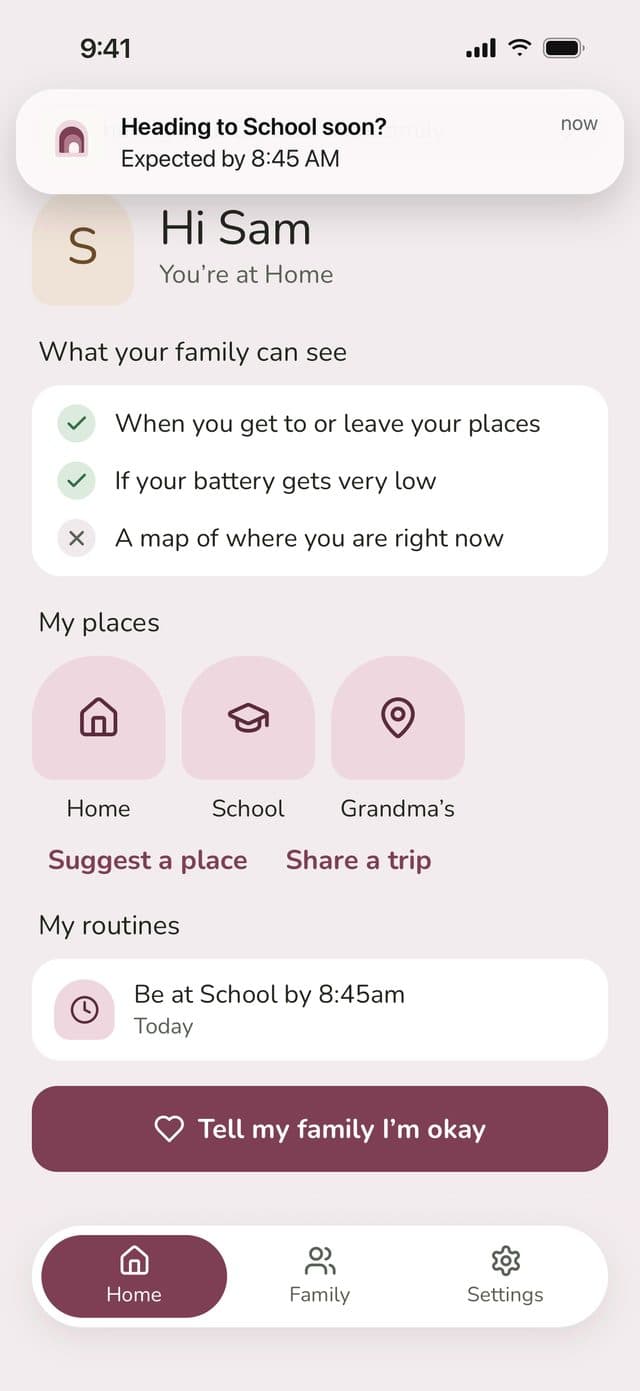
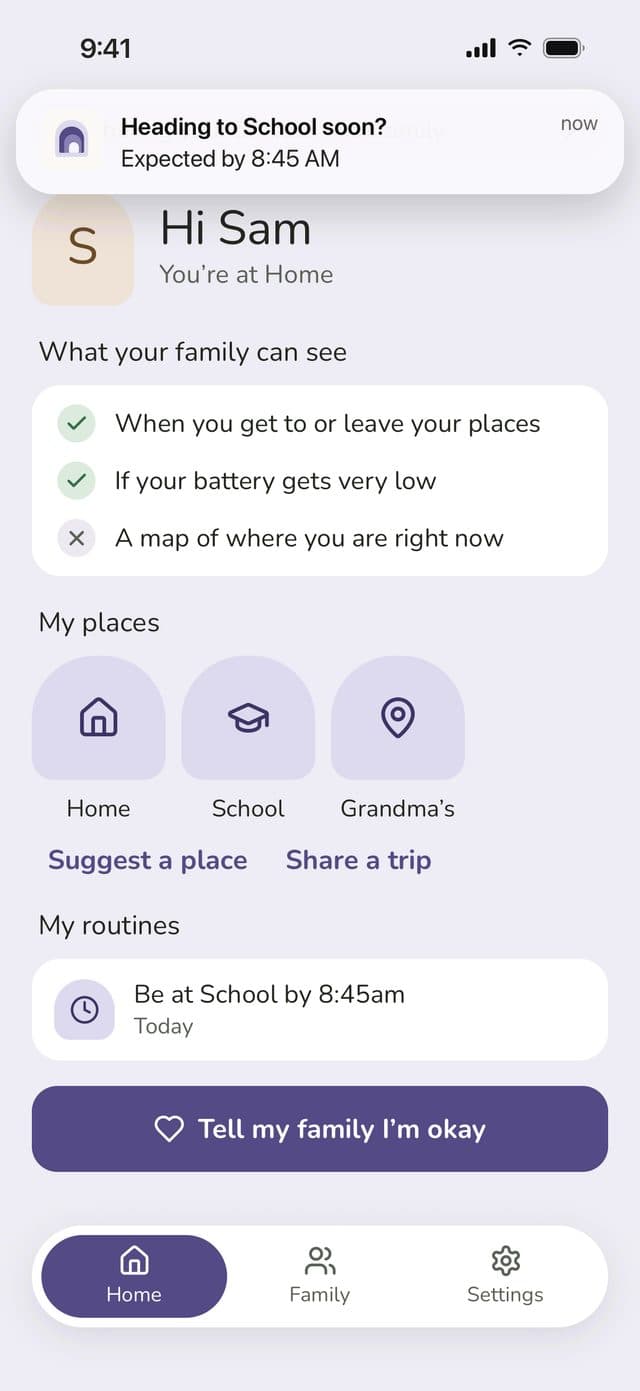
Sam’s phone showing the nudge: Heading to School soon? Expected by 8:45amSam’s phone showing the nudge: Heading to School soon? Expected by 8:45amSam’s phone showing the nudge: Heading to School soon? Expected by 8:45amSam’s phone showing the nudge: Heading to School soon? Expected by 8:45am

Routines

A gentle nudge when plans change

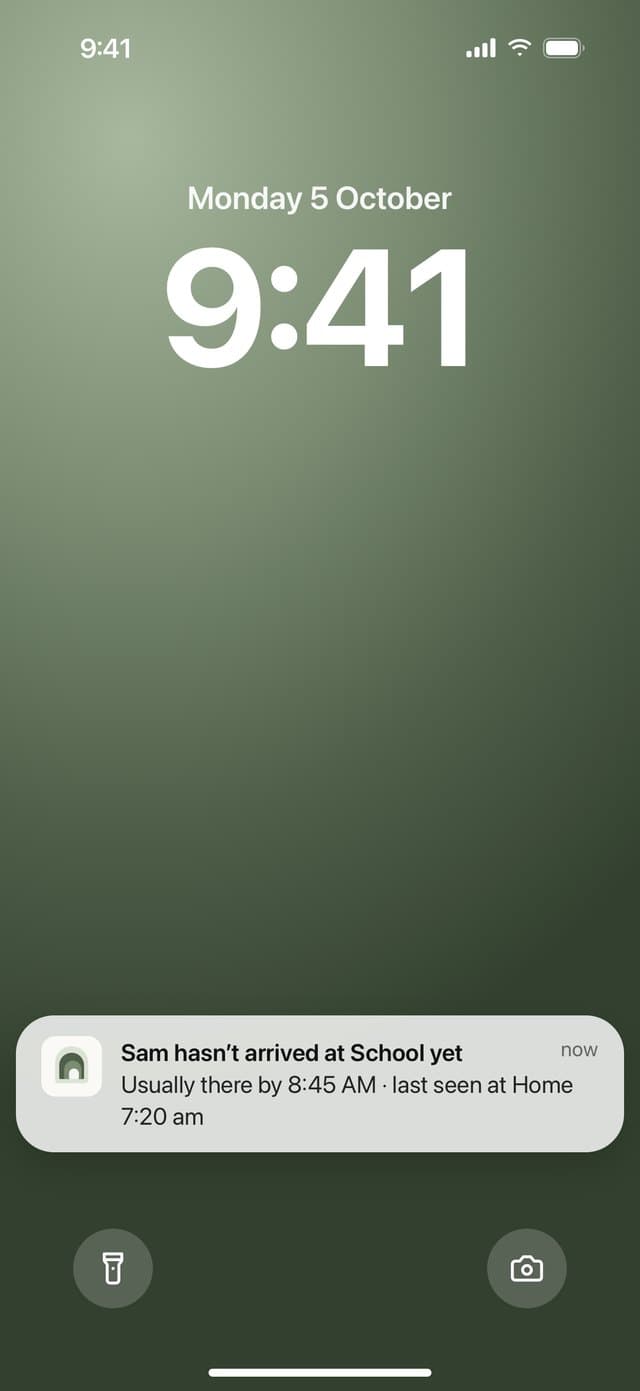
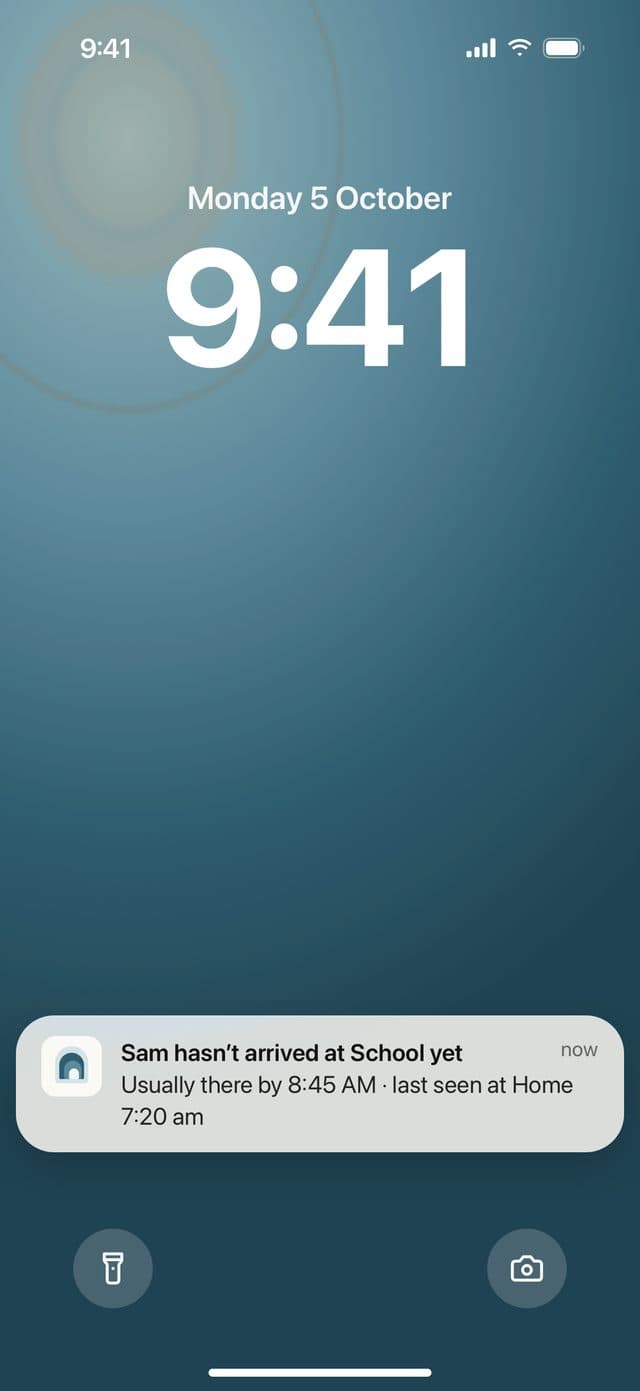
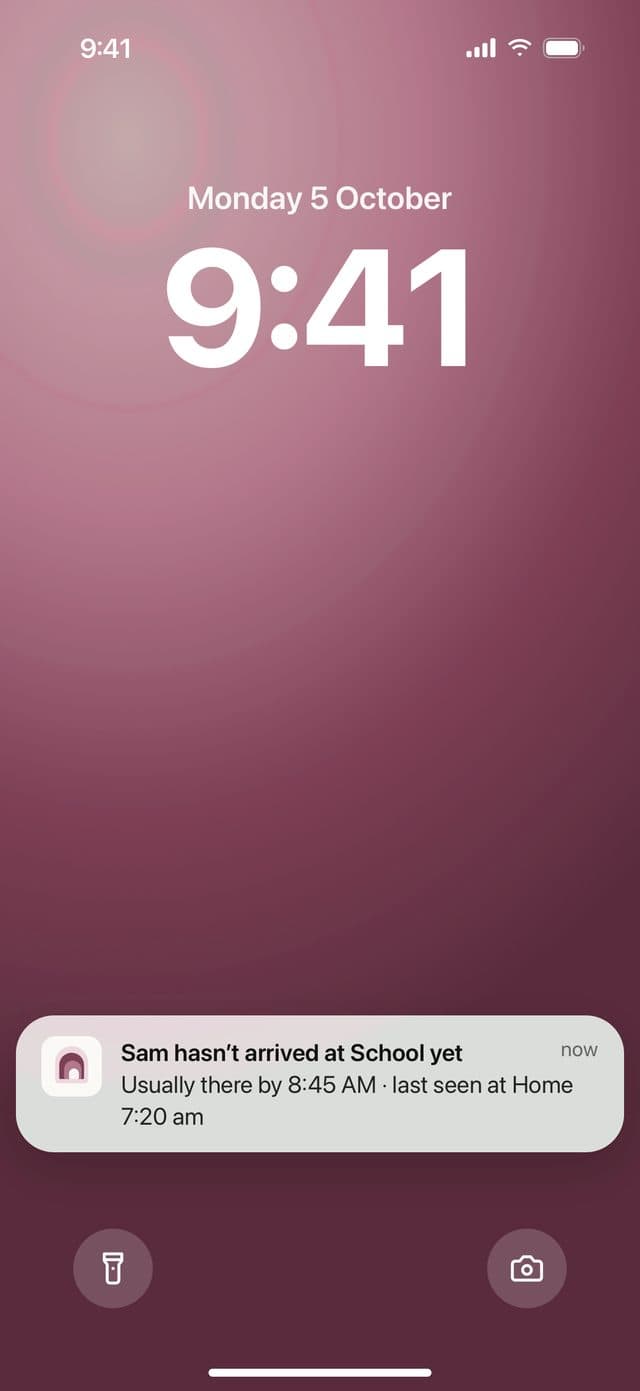
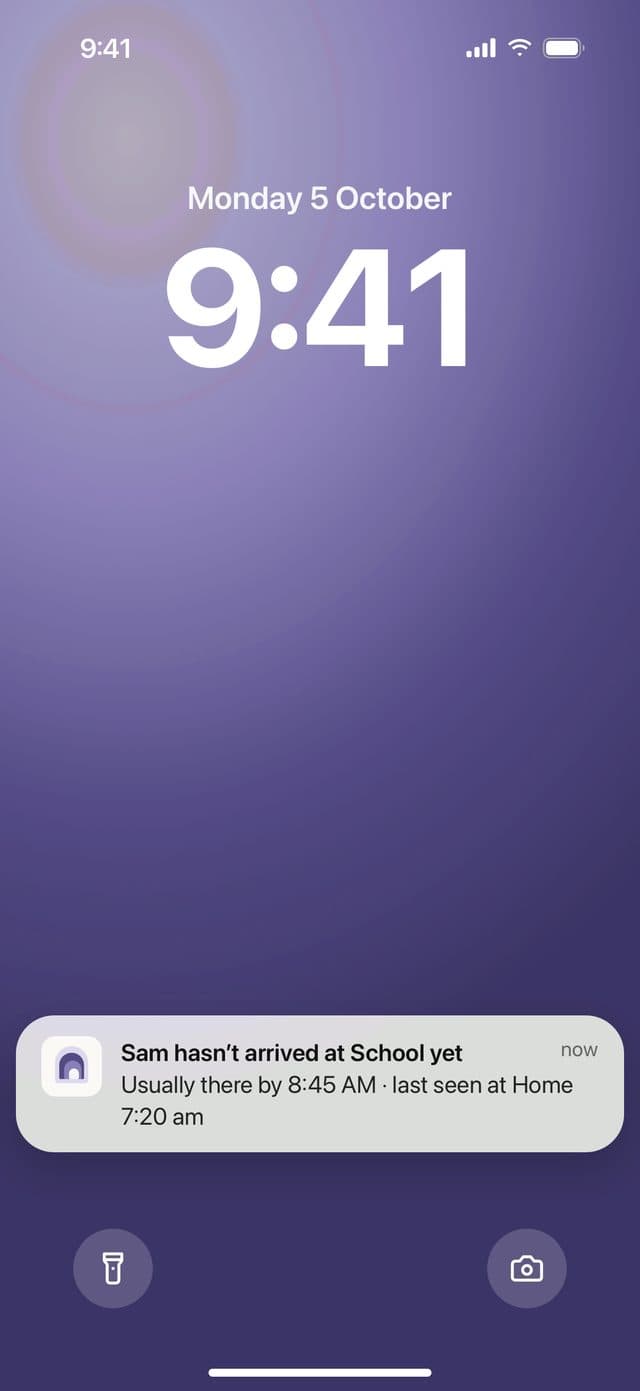
Just before 8:45, Sam gets a friendly “Heading to School soon?”. If he isn’t there in time, you’ll get an alert with where he was last seen, and Sam can let you know he’s okay with one tap.

  • A reminder for them before the deadline
  • An alert for you if a routine is missed
  • A one-tap “I’m okay” for them to send back
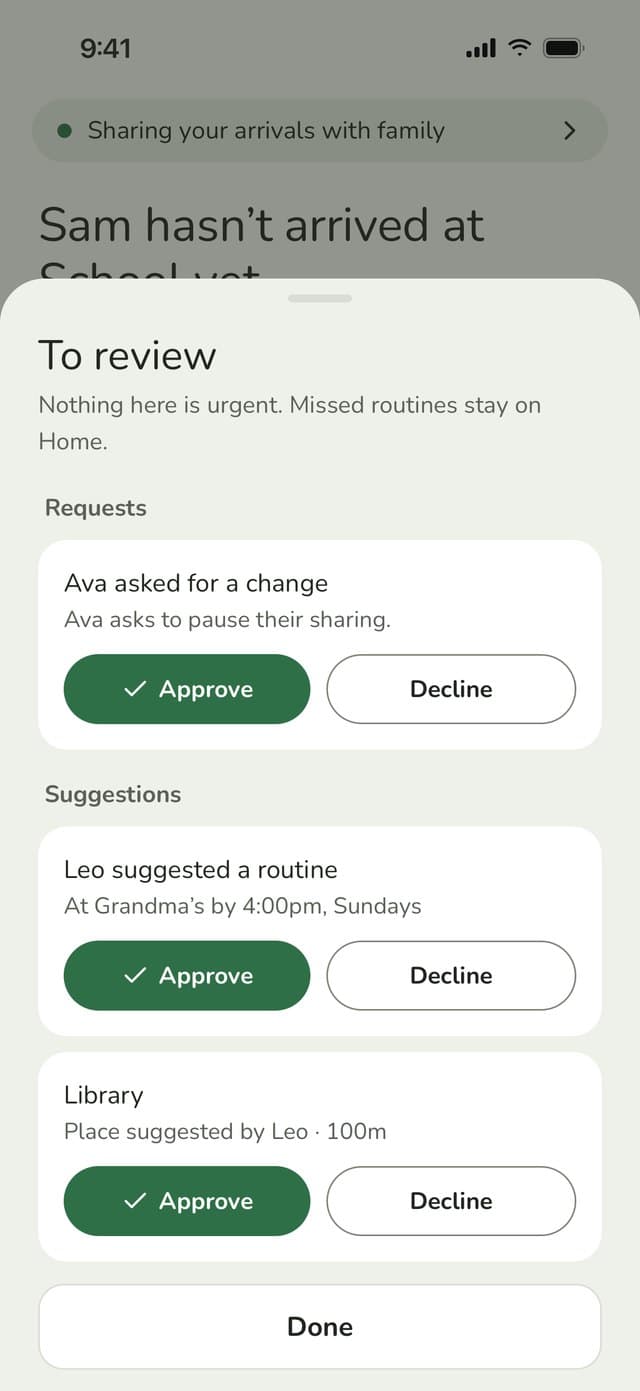
To review sheet: Ava asks to pause sharing, Leo suggests a routine and a new place, each with Approve and DeclineTo review sheet: Ava asks to pause sharing, Leo suggests a routine and a new place, each with Approve and DeclineTo review sheet: Ava asks to pause sharing, Leo suggests a routine and a new place, each with Approve and DeclineTo review sheet: Ava asks to pause sharing, Leo suggests a routine and a new place, each with Approve and Decline

Growing up

Room to grow up

As kids get older, they want more say. With Family Haven they can suggest new places and routines, or ask to change a setting. Their requests show up together on your Home screen, so you can say yes or no whenever it suits you. They’ll hear back either way. You decide what each person can do, and can loosen things up as they grow.

  • Suggest a place or a routine, like swimming on Tuesdays
  • Share a trip, like a friend’s house, for 12 or 24 hours
  • Ask for more freedom, like being able to pause sharing

Safety net

A heads-up if something might be wrong

Most days you won’t need these. On the days you do, you’ll be glad they’re there.

Low battery

Switch it on, and the people you pick hear when your phone drops to 15%, so a flat battery doesn’t cause a scare.

Sharing paused

You’ll see when someone pauses sharing or turns location off, and can send a reminder to switch it back on.

Gone quiet

If you haven’t heard from your child’s phone in over a day, we’ll let you know.

App removed

You’ll get a heads-up if Family Haven may have been removed from your child’s phone.

Privacy

Sharing that feels right for everyone

What your family sees

  • When you arrive at or leave a saved place
  • Your “I’m okay” check-ins
  • If you’ve paused sharing, and until when
  • A low-battery alert, if you’ve switched it on

What you control

  • Which places are saved, and who each one is for
  • Taking a break from sharing, for 2 hours or until tomorrow
  • Who gets your low-battery alerts
  • Kids get a simple checklist of what their family can see
More about privacy →

Pricing

Free for every family

Arrival alerts, check-ins and low-battery alerts are free on every plan.

See pricing →

Free

£0

No time limit. Up to 3 saved places for your family and 1 routine.

Family Haven Plus

£39.99a year, or £4.99 a month

Unlimited places and routines for busy families. Try it free for 14 days. Prices include VAT.

Who makes Family Haven

Family Haven is made by Doccrs Digital Ltd, a company registered in England and Wales. Your family’s data is stored in the UK. Questions or worries? Email us at support@ourfamilyhaven.com.

FAQ

Common questions

What will my family see?

They’ll see when you get to or leave one of your saved places, like home or school, plus any “I’m okay” check-ins. If you’ve paused sharing, they’ll see that too, along with when it’s back on.

Does it work when the app is closed?

Yes. Places keep working in the background. On some Android phones, battery saving can slow things down, and the app will let you know if that’s happening.

Does my child need an email address?

No. You make a short login code for them in the app, and they use that to sign in.

What if my kid pauses sharing?

If you’ve allowed it, they can pause for 2 hours or until tomorrow. You’ll be told when it happens, and you can send them a reminder to switch it back on.

What happens if we lose signal?

Family Haven works offline. Any changes are saved and sync up as soon as the phone’s back online.

Why does it want “Always” location access?

It’s how your phone can tell the app you’ve arrived somewhere, even when the app isn’t open. We explain this in the app before we ask.

How much does it cost?

Family Haven is free to use, with up to 3 places and 1 routine. Family Haven Plus adds unlimited places and routines from £39.99 a year. Prices include VAT. See pricing

Peace of mind, from day one

Setting up your family takes a few minutes.

Coming soon to the App StoreComing soon to Google Play